---
description: Honorswap Liquidity Pool Creation Guide
---
# Liquidity
This guide provides step-by-step instructions on how to create a liquidity pool on the Honorswap platform. Honorswap liquidity pools allow users to swap Honor coin with various other tokens and earn rewards by providing liquidity.
### Step 1: Prepare Your MetaMask Account
Install the [MetaMask](https://metamask.io/) extension on your browser and create a wallet or import an existing one.
### Step 2: Provide the Tokens
1. Visit the Honorswap website: [https://www.honorswap.com/](https://www.honorswap.com/)
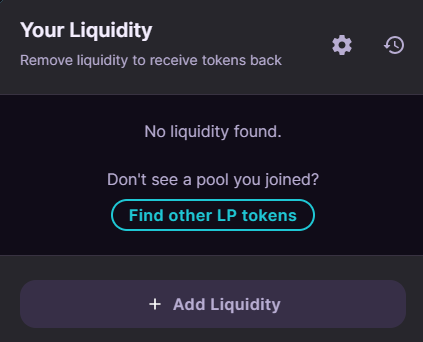
2. Click on the "Liquidity" tab on the homepage.
3. Click the "Add Liquidity" button to navigate to the liquidity adding page.
### Step 3: Adding Liquidity
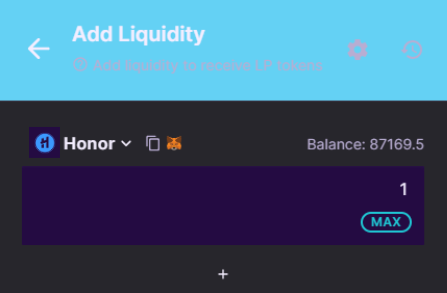
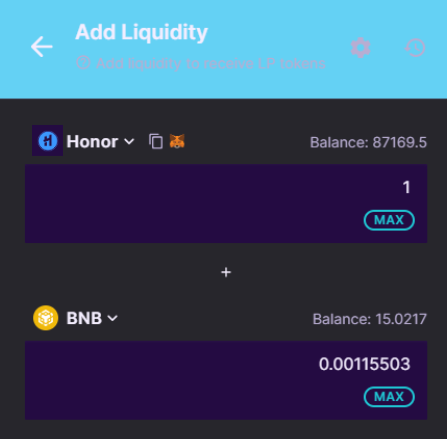
1. Select the Honor token in the "From" section.
2. Choose another matching token in the "To" section (e.g., BUSD).
3. Enter the amount you want to add for both tokens.
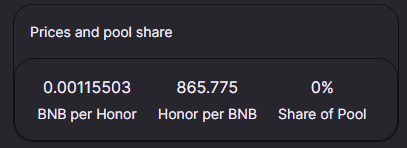
3. View the automatically calculated liquidity pool ratio.
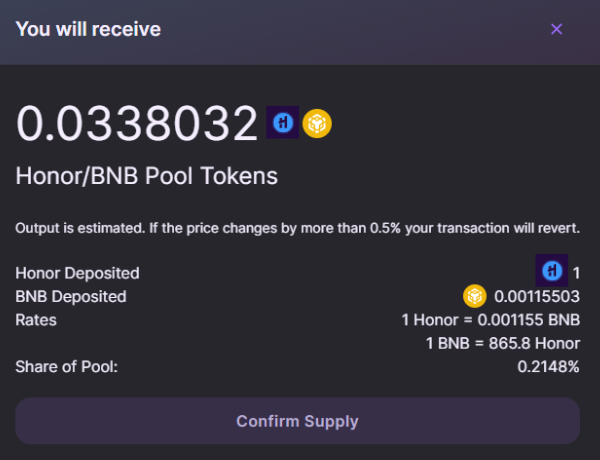
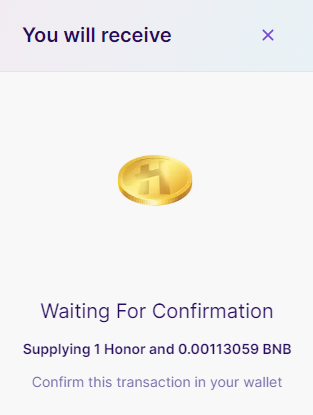
4. Confirm the transaction by clicking the "Supply" button
###
### Step 4: Transaction Confirmation
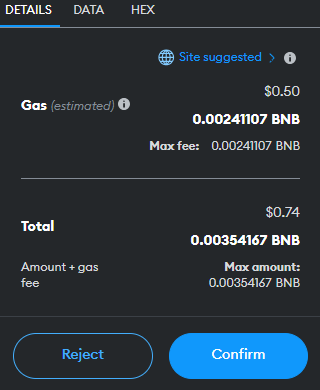
1. The MetaMask window will automatically pop up with transaction details.
2. Review the transaction fees and click the "Confirm" button to approve the transaction.
###
### Step 5: Start Earning Liquidity Rewards
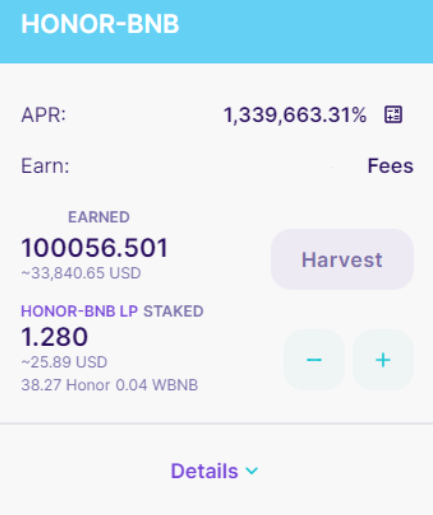
1. Once the transaction is confirmed, navigate to the "Rewards" or "Farming" section on the Honorswap platform to learn how rewards are distributed for liquidity providers.
This guide illustrates how to participate in Honorswap liquidity pools. By carefully following each step, you can join the liquidity pools for your Honor coin and earn rewards.